

local_fire_departmentHoneystax
search⌘K
loginLog Inperson_addSign Up
layers
HONEYSTAX TERMINAL v1.0
HomeNewsSavedSubmit
Back to the live board
F

Figma-Context-MCP

MCP Server

MCP server to provide Figma layout information to AI coding agents like Cursor

Copy the install, test the workflow, then decide if it earns a permanent slot.

14,565
Why nowMoving now

Fresh repo activity plus visible builder pull. This is the kind of tool people test before it turns obvious.

DecisionHigh-conviction move

Copy the install, test the workflow, then decide if it earns a permanent slot.

Trial costFast eval

You can test this quickly and remove it cleanly if it misses.

Risk25/100

GitHub health 71/100. no security policy. Fresh enough repo health and manageable issue load keep the risk controlled.

What You Are Adopting

AI Agent

Cursor AI

Model

Multiple

Build Time

Hours

Test This In Your Stack

One command inClean rollbackLow commitment
settingsRegistryAdds a named entry to Claude config. One command to remove.

Fastest way to find out if Figma-Context-MCP belongs in your setup.

Copy the install command, run a real test, and back it out cleanly if it slows you down.

Try now
claude mcp add figma-context-mcp -- npx figma-context-mcp

Run this first. You will know quickly if the workflow earns a permanent slot.

Back out
claude mcp remove figma-context-mcp

No messy cleanup loop. If it misses, remove it and keep moving.

Install Location

~/  └─ .claude.json    └─ mcp_servers/      └─ figma-context-mcp ← registers here

About

MCP server to provide Figma layout information to AI coding agents like Cursor. An open-source mcp server for the AI coding ecosystem.

README

Framelink

Framelink MCP for Figma

Give your coding agent access to your Figma data.
Implement designs in any framework in one-shot.

weekly downloads MIT License Discord
Twitter

Give Cursor and other AI-powered coding tools access to your Figma files with this Model Context Protocol server.

When Cursor has access to Figma design data, it's way better at one-shotting designs accurately than alternative approaches like pasting screenshots.

See quickstart instructions →

Demo

Watch a demo of building a UI in Cursor with Figma design data
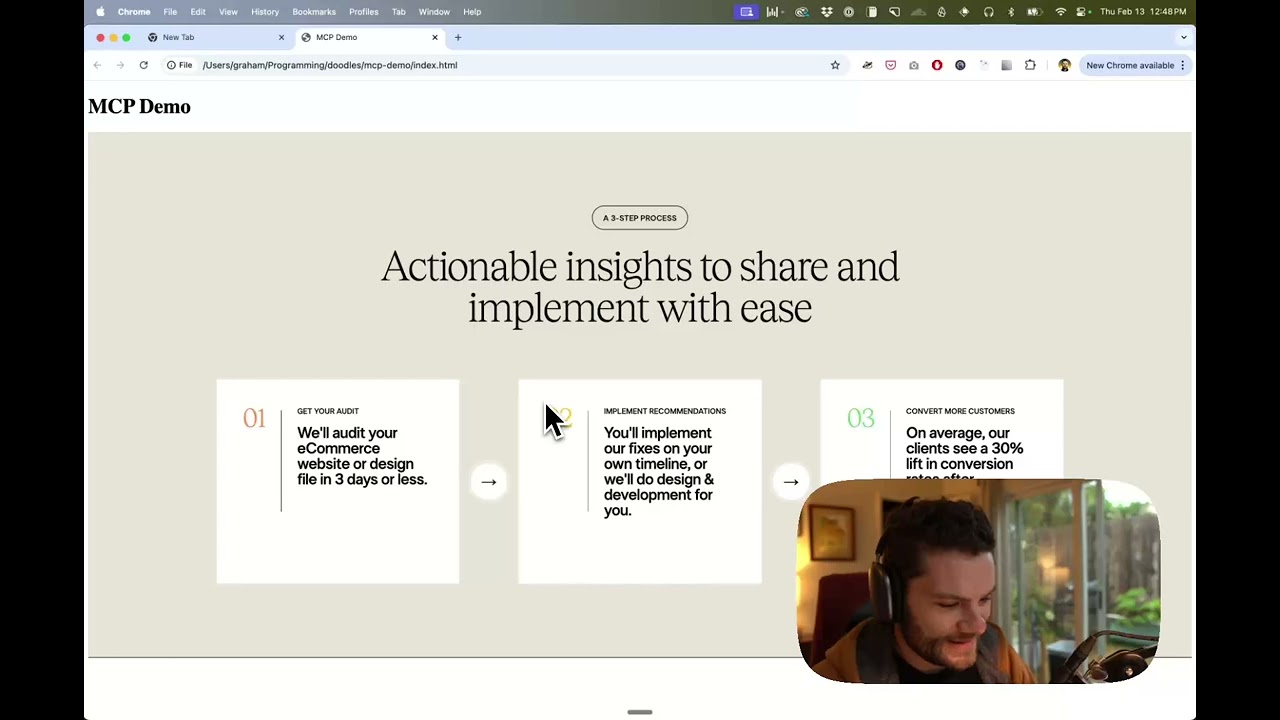
Watch the video

How it works

  1. Open your IDE's chat (e.g. agent mode in Cursor).
  2. Paste a link to a Figma file, frame, or group.
  3. Ask Cursor to do something with the Figma file—e.g. implement the design.
  4. Cursor will fetch the relevant metadata from Figma and use it to write your code.

This MCP server is specifically designed for use with Cursor. Before responding with context from the Figma API, it simplifies and translates the response so only the most relevant layout and styling information is provided to the model.

Reducing the amount of context provided to the model helps make the AI more accurate and the responses more relevant.

Getting Started

Many code editors and other AI clients use a configuration file to manage MCP servers.

The figma-developer-mcp server can be configured by adding the following to your configuration file.

NOTE: You will need to create a Figma access token to use this server. Instructions on how to create a Figma API access token can be found here.

MacOS / Linux

{
  "mcpServers": {
    "Framelink MCP for Figma": {
      "command": "npx",
      "args": ["-y", "figma-developer-mcp", "--figma-api-key=YOUR-KEY", "--stdio"]
    }
  }
}

Windows

{
  "mcpServers": {
    "Framelink MCP for Figma": {
      "command": "cmd",
      "args": ["/c", "npx", "-y", "figma-developer-mcp", "--figma-api-key=YOUR-KEY", "--stdio"]
    }
  }
}

Or you can set FIGMA_API_KEY and PORT in the env field.

If you need more information on how to configure the Framelink MCP for Figma, see the Framelink docs.

Star History

Star History Chart

Learn More

The Framelink MCP for Figma is simple but powerful. Get the most out of it by learning more at the Framelink site.

Tech Stack

Go

Installation

figma-developer-mcp

Open Live ProjectAudit Repo

Reviews0

Log in to write a review.

ActiveLast commit today
bug_report26open issues
Submitted February 13, 2025

auto_awesomeYour strongest next moves after Figma-Context-MCP