




Acontext is the memory stack for production AI agents. Think of it as Supabase for agent memory.
Unifies short-term memory, mid-term state, and long-term skill for production AI agents.
- Context data is scattered — messages, files, and skills live in different storages with no unified interface
- No observability on agent state — you can't track success rates, replay trajectories, or know if your agent is actually working
- Your agent's memory is a black box — vector stores and key-value memory are opaque, not inspectable, and not version controllable
- Short-term Memory — unified storage for messages, files, and artifacts — integrated with Claude Agent SDK, AI-SDK, OpenAI SDK...
- Mid-term State — replay trajectories, track success rates, and monitor agents in real-time
- Long-term Skill — agents distill successful/failed task outcomes into reusable, human-readable skill files, improving with every run

- Short-term Memory
- Session: save agent history from any LLM, any modality
- Mid-term State
- State Tracking: collect agent tasks and results in near real-time
- Long-term Skill
- Skill Memory - agents automatically build and update skills from successful/failed sessions

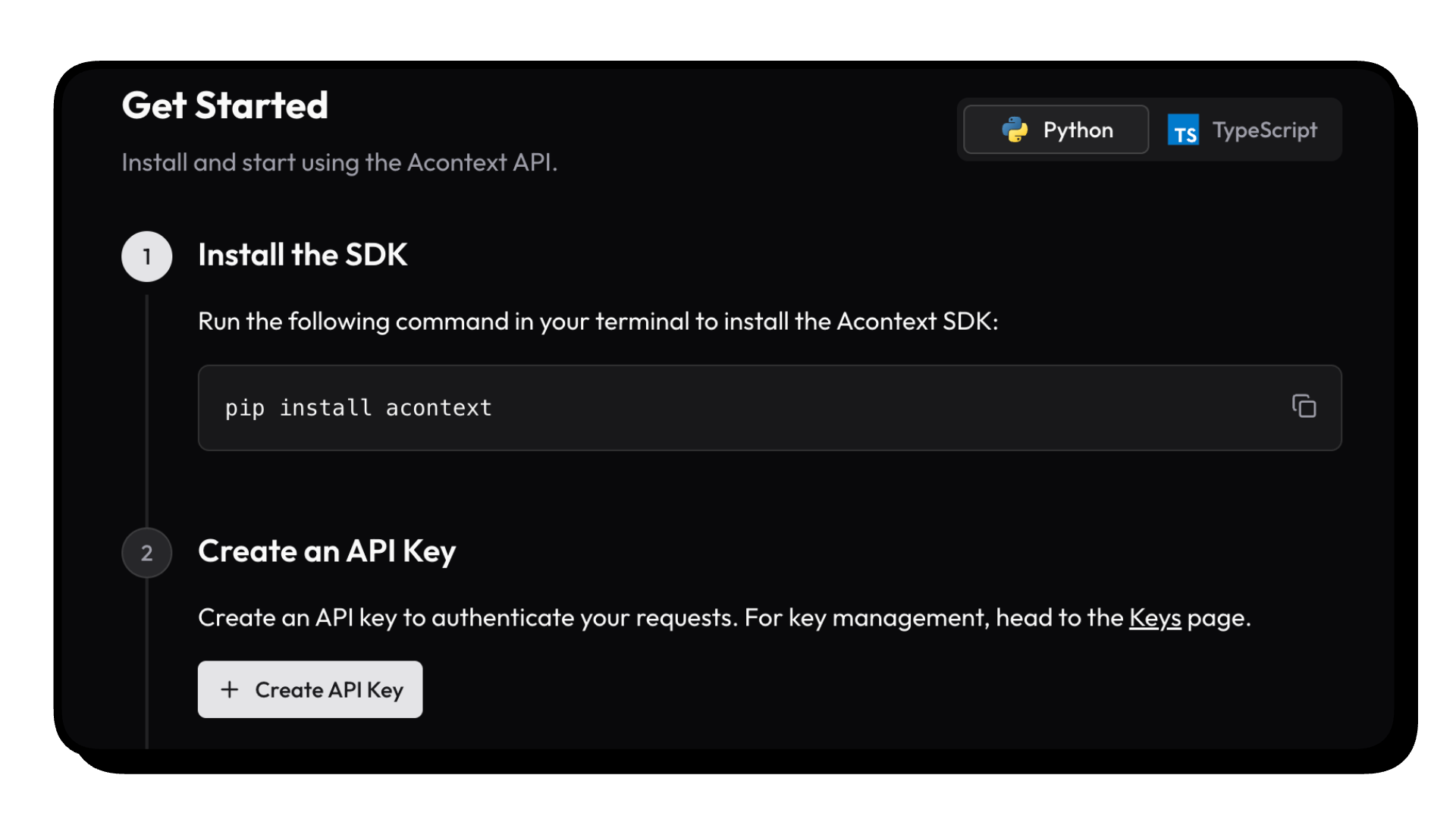
- Go to Acontext.io, claim your free credits.
- Go through a one-click onboarding to get your API Key (starts with
sk-ac)
💻 Self-host Acontext
We have an acontext-cli to help you do quick proof-of-concept. Download it first in your terminal:
curl -fsSL https://install.acontext.io | shYou should have docker installed and an OpenAI API Key to start an Acontext backend on your computer:
mkdir acontext_server && cd acontext_server
acontext server up
Make sure your LLM has the ability to call tools. By default, Acontext will use
gpt-4.1.
acontext server up will create/use .env and config.yaml for Acontext, and create a db folder to persist data.
Once it's done, you can access the following endpoints:
- Acontext API Base URL: http://localhost:8029/api/v1
- Acontext Dashboard: http://localhost:3000/
We're maintaining Python 

Click the doc link to see TS SDK Quickstart.
pip install acontextimport os
from acontext import AcontextClient
# For cloud:
client = AcontextClient(
api_key=os.getenv("ACONTEXT_API_KEY"),
)
# For self-hosted:
client = AcontextClient(
base_url="http://localhost:8029/api/v1",
api_key="sk-ac-your-root-api-bearer-token",
)Store a message, get agent state, and retrieve learned skills — one API for each layer.
session = client.sessions.create()
space = client.learning_spaces.create()
client.learning_spaces.learn(space.id, session_id=session.id)

# 1. Short-term Memory — store messages in any LLM format
client.sessions.store_message(
    session_id=session.id,
    blob={"role": "user", "content": "Deploy the new API to staging"},
)
# ... your agent runs ...
msgs = client.sessions.get_messages(session_id=session.id)

# 2. Mid-term State — flush to trigger processing, then get state
client.sessions.flush(session.id)
summary = client.sessions.get_session_summary(session_id=session.id)
print(summary)

# 3. Long-term Skill — wait for learning, then retrieve skills
client.learning_spaces.wait_for_learning(space.id, session_id=session.id)
skills = client.learning_spaces.list_skills(space.id)
for skill in skills:
    print(f"{skill.name}: {skill.description}")
flushandwait_for_learningare blocking helpers for demo purposes. In production, task extraction and learning run in the background automatically — your agent never waits.
- Context Engineering — Compress context with summaries and edit strategies
- Disk — Virtual, persistent filesystem for agents
- Sandbox — Isolated code execution with bash, Python, and mountable skills
- Agent Tools — Disk tools, sandbox tools, and skill tools for LLM function calling
Download end-to-end scripts with acontext:
Python
acontext create my-proj --template-path "python/openai-basic"More examples on Python:
python/openai-agent-basic: openai agent sdk templatepython/openai-agent-artifacts: agent can edit and download artifactspython/claude-agent-sdk: claude agent sdk withClaudeAgentStoragepython/agno-basic: agno framework templatepython/smolagents-basic: smolagents (huggingface) templatepython/interactive-agent-skill: interactive sandbox with mountable agent skills
Typescript
acontext create my-proj --template-path "typescript/openai-basic"More examples on Typescript:
typescript/vercel-ai-basic: agent in @vercel/ai-sdktypescript/claude-agent-sdk: claude agent sdk withClaudeAgentStoragetypescript/interactive-agent-skill: interactive sandbox with mountable agent skills
Note
Check our example repo for more templates: Acontext-Examples.
We're cooking more full-stack Agent Applications! Tell us what you want!
To learn more about long-term skill and what Acontext can do, visit our docs or start with What is Long-term Skill?
Star Acontext on Github to support and receive instant notifications

click to open
graph TB
    subgraph "Client Layer"
        PY["pip install acontext"]
        TS["npm i @acontext/acontext"]
    end

    subgraph "Acontext Backend"
      subgraph " "
          API["API<br/>localhost:8029"]
          CORE["Core"]
          API -->|FastAPI & MQ| CORE
      end

      subgraph " "
          Infrastructure["Infrastructures"]
          PG["PostgreSQL"]
          S3["S3"]
          REDIS["Redis"]
          MQ["RabbitMQ"]
      end
    end

    subgraph "Dashboard"
        UI["Web Dashboard<br/>localhost:3000"]
    end

    PY -->|RESTFUL API| API
    TS -->|RESTFUL API| API
    UI -->|RESTFUL API| API
    API --> Infrastructure
    CORE --> Infrastructure

    Infrastructure --> PG
    Infrastructure --> S3
    Infrastructure --> REDIS
    Infrastructure --> MQ


    style PY fill:#3776ab,stroke:#fff,stroke-width:2px,color:#fff
    style TS fill:#3178c6,stroke:#fff,stroke-width:2px,color:#fff
    style API fill:#00add8,stroke:#fff,stroke-width:2px,color:#fff
    style CORE fill:#ffd43b,stroke:#333,stroke-width:2px,color:#333
    style UI fill:#000,stroke:#fff,stroke-width:2px,color:#fff
    style PG fill:#336791,stroke:#fff,stroke-width:2px,color:#fff
    style S3 fill:#ff9900,stroke:#fff,stroke-width:2px,color:#fff
    style REDIS fill:#dc382d,stroke:#fff,stroke-width:2px,color:#fff
    style MQ fill:#ff6600,stroke:#fff,stroke-width:2px,color:#fff
Join the community for support and discussions:
- Check our roadmap.md first.
- Read contributing.md


[](https://acontext.io)
[](https://acontext.io)This project is currently licensed under Apache License 2.0.